Creating Fast Feedback Form: A Guide for Physical Stores
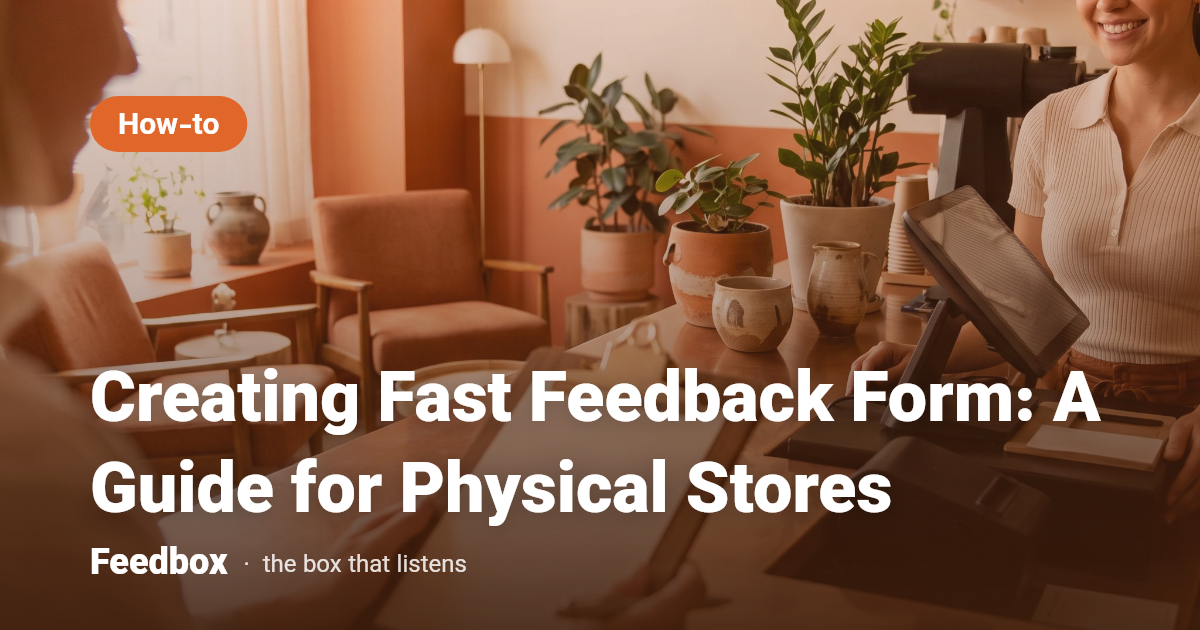
A fast feedback form can transform how physical stores receive, understand, and act on customer insights. Here’s how to design one that customers will actually use.
Why Fast Feedback Matters in Physical Stores
Customer expectations for in-store experiences have never been higher. According to recent surveys, more than half of consumers say they would switch to a competitor after just one bad experience, and even brands with loyal followings are not immune—32% of consumers would walk away after a single negative interaction [1][5]. Yet, most unhappy customers (about 25 out of 26) never voice their complaints; they simply leave in silence [2].
This underscores the importance of creating fast feedback form systems to catch dissatisfaction before it turns into churn. When stores provide an easy, quick way to share feedback, they gain critical insights and a chance to retain customers.
- 52% of consumers stop buying after a bad experience [1]
- Only about 1 in 26 unhappy customers complain [2]
- Retention is more cost-effective than acquisition [4]
Principles of Creating Fast Feedback Form for Stores
To maximize participation, a feedback form must be fast, frictionless, and relevant. Customers are more likely to respond when they see that their time and opinions are valued. Simplicity is key—avoid lengthy surveys and focus on the essentials.
A well-designed form not only improves the quantity of feedback but also its quality, enabling you to identify and address problems quickly before they escalate.
- Limit questions to 3–5 key items
- Use clear, plain language
- Allow for both structured and open-ended responses
- Prioritize mobile and QR-based access
Steps to Designing a Fast Feedback Form
1. Define Your Goals: Start by identifying what specific insights you need—service speed, product quality, staff helpfulness, or overall satisfaction.
2. Choose the Right Format: For physical stores, QR codes and short links placed at strategic points (checkout counters, exits) are effective and unobtrusive.
3. Keep It Short: Limit your form to a handful of questions. Each additional question increases abandonment rates.
4. Mix Question Types: Use a blend of rating scales (1–5), yes/no, and one open-ended question to capture both quantitative and qualitative feedback.
5. Offer Anonymity: Many customers are hesitant to share honest opinions face-to-face. Tools like Feedbox, which support anonymous voice or text feedback, reduce barriers and encourage candid responses.
6. Test and Iterate: Pilot your form with staff and a few customers. Adjust based on real-world usage and feedback.
Best Practices for Maximizing Response Rates
Even the best-designed feedback form won’t help if customers don’t use it. Here’s how to increase participation:
Position feedback invitations where they’re most visible and relevant, such as on receipts, at exits, or via in-store signage. Communicate the value of their input—let customers know their voices matter and changes will be made based on their feedback.
Ensure the form loads quickly on mobile devices and requires minimal typing. Use clear calls to action like “Tell Us in 30 Seconds.”
- Use simple, friendly language in invitations
- Place QR codes at high-traffic locations
- Follow up with visible improvements when possible
From Feedback to Action: Closing the Loop
Collecting feedback is just the beginning. Acting on what you learn is what truly sets top stores apart. According to research, 85% of customers who left a provider said they would have stayed if their issue had been resolved [3].
Regularly review responses, look for patterns, and implement quick fixes whenever possible. Communicate changes—either in-store or through follow-up messages—so customers know their feedback had an impact.
Measuring Success and Continuous Improvement
Track both the quantity and quality of feedback over time. High response rates indicate your form is accessible and quick, while actionable insights show that the right questions are being asked.
Consider running periodic A/B tests: modify question wording or order and see which version yields more or better responses. Stay open to evolving customer needs and be ready to adapt your form accordingly.
FAQ
How many questions should a fast feedback form include?
Ideally, limit your feedback form to 3–5 concise questions to maximize completion rates and reduce abandonment.
Why do most unhappy customers not leave feedback?
Research shows only about 1 in 26 unhappy customers actually complains; the rest leave silently, making it vital to make feedback easy and quick to give [2].
What’s the best way to collect feedback in a physical store?
Use QR codes or short links to mobile-friendly forms placed at visible touchpoints, making it easy for customers to respond on the spot.
How can anonymous feedback benefit my store?
Anonymous options, like those offered by Feedbox, encourage more honest and frequent feedback, helping you identify and fix issues before customers leave.
How should stores act on feedback once received?
Review responses regularly, look for trends or repeating issues, and implement changes. Always communicate improvements to show you value customer input.